5 Event Naming Mistakes That Break Your GA4 Reports
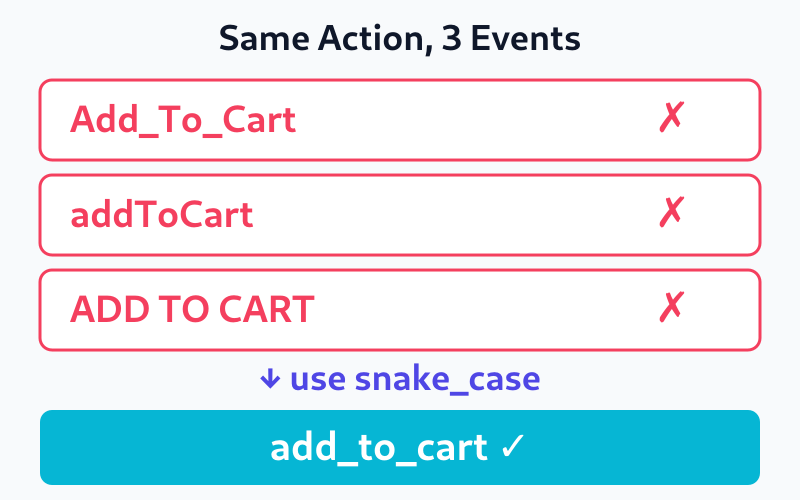
Most GA4 implementations break within the first three months. The root cause is almost always the same — inconsistent event naming. When your team uses Click_Button, click_button, buttonClick, and btn_click for the same action, your reports become useless.
This article covers the five most common event naming mistakes in Google Analytics 4 and how to fix each one. If your GA4 reports feel unreliable, start here.
Key Takeaways: Use snake_case for all GA4 events. Keep names under 40 characters. Never start with a number or use reserved prefixes. Document your naming standard before implementation. Audit event names monthly.
Why Event Naming Matters in GA4
Google Analytics 4 is event-based. Every interaction — page view, button click, form submit, purchase — is an event. GA4 does not merge sign_up and SignUp into one row. They appear as two separate events in your reports, splitting your data and making analysis unreliable.
I have audited dozens of GA4 setups. In my experience, teams with a documented naming convention catch problems early. Teams without one discover the mess six months later when someone asks “why do we have 47 custom events?”
Mistake 1: Mixed Case Formats
This is the most common mistake. Different team members use different case styles for the same event.
| What you see in GA4 | The problem |
|---|---|
Add_To_Cart |
Pascal + underscore mix |
add_to_cart |
Correct snake_case |
addToCart |
camelCase |
GA4 treats all three as separate events. Your “add to cart” data is now split across three rows.
The fix: Use snake_case for everything. It is the format Google uses for its own recommended events like page_view, add_to_cart, and begin_checkout. Match their pattern.
Mistake 2: Names That Are Too Vague
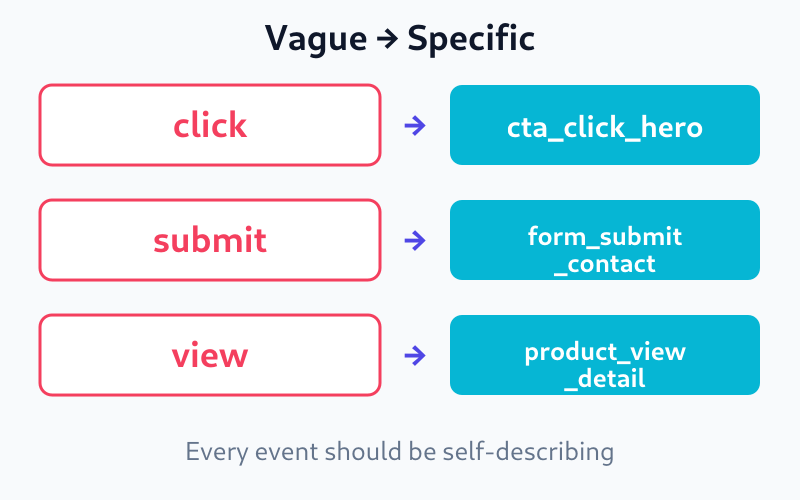
Event names like click, submit, or view tell you nothing. Click on what? Submit where? These names are useless without context.
| Vague | Specific |
|---|---|
click |
cta_click_hero |
submit |
form_submit_contact |
view |
product_view_detail |
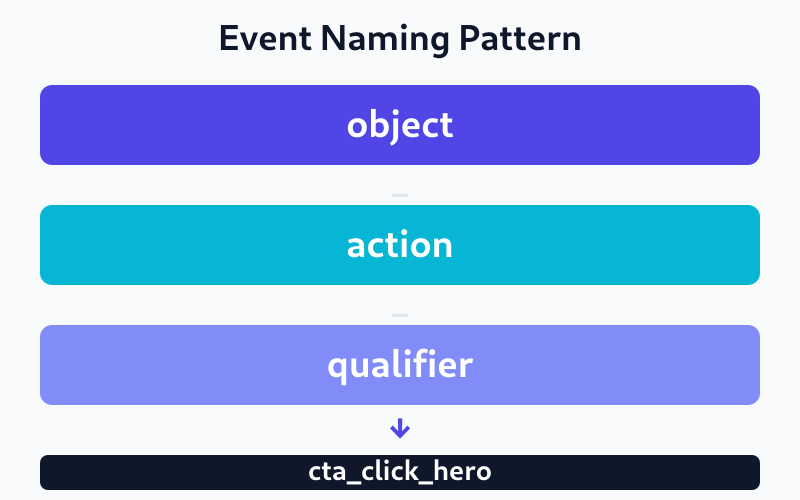
The fix: Follow a pattern: [object]_[action]_[location]. This makes every event self-describing. When you see cta_click_hero in a report, you know exactly what happened and where.
Mistake 3: Using Spaces or Special Characters
GA4 event names must contain only letters, numbers, and underscores. Spaces, hyphens, and special characters either get rejected or cause unexpected behavior.
| Invalid | Valid |
|---|---|
button click |
button_click |
form-submit |
form_submit |
Add To Cart! |
add_to_cart |
The fix: Only use lowercase letters, numbers, and underscores. No hyphens (unlike UTM parameters where hyphens are the standard). GA4 has different rules — respect them.
Mistake 4: Starting With Numbers or Reserved Prefixes
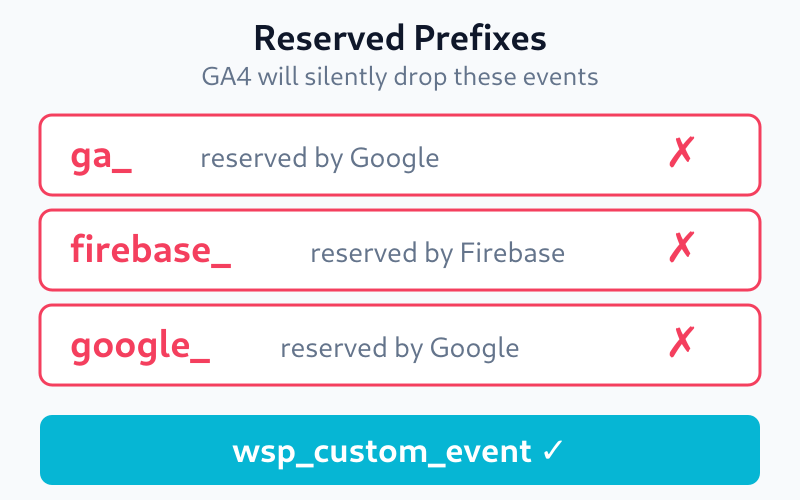
GA4 silently drops events that start with a number. It also reserves certain prefixes for internal use.
Avoid these patterns:
| Problem | Example | Why it fails |
|---|---|---|
| Starts with number | 1st_purchase |
GA4 ignores it |
Reserved prefix ga_ |
ga_custom_event |
Reserved by Google |
Reserved prefix firebase_ |
firebase_campaign |
Reserved by Firebase |
Reserved prefix google_ |
google_search |
Reserved by Google |
The fix: Always start event names with a lowercase letter. Never use ga_, firebase_, or google_ as prefixes. If you need a namespace, use your company abbreviation: wsp_custom_event.
Mistake 5: No Documentation
The most damaging mistake is not having a written standard at all. When event names live in someone’s head, every new developer or marketer invents their own conventions.
I have seen teams with 200+ custom events where half were duplicates with different naming. The cleanup took weeks.
The fix: Create a tracking plan document. At minimum, include:
- A list of all approved event names
- The naming pattern your team follows
- Who approves new events
- Where the document lives (Google Sheets, Notion, your standards library)
The GA4 Event Naming Standard
Here is the standard I recommend to every team:
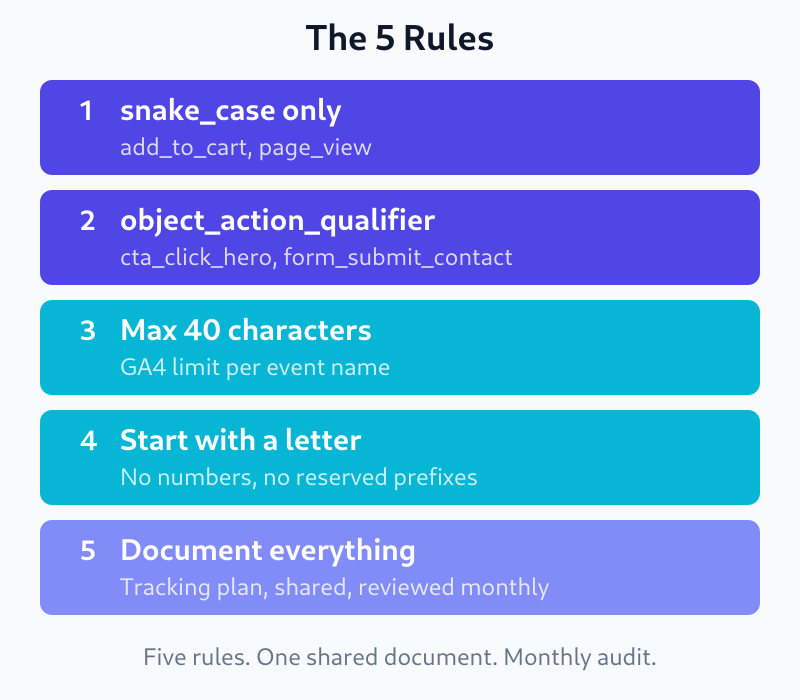
- snake_case only. Matches Google’s recommended events
- Pattern:
[object]_[action]_[qualifier] - Max 40 characters. GA4’s limit is 40 characters per event name
- Start with a letter. Never a number or reserved prefix
- Document everything. Tracking plan, shared, reviewed monthly
Prevention Checklist
Run this check once a month to keep your GA4 events clean:
- Export all event names from GA4 (Admin → Events)
- Sort alphabetically and look for near-duplicates
- Flag any events not in your tracking plan
- Check for case variations (
Add_Cartvsadd_cart) - Verify no events use reserved prefixes
Bottom Line
Clean event naming is not optional in GA4 — it is the foundation of every report, funnel, and audience you build. Five rules, one shared document, and a monthly audit. That is all it takes to prevent the data fragmentation that makes most GA4 setups unreliable.
Start with the standard in this article. Fix existing duplicates. Then protect your data going forward with a tracking plan.
FAQ
What case format should I use for GA4 events?
Use snake_case — lowercase letters separated by underscores. This matches Google’s own recommended events like page_view and add_to_cart.
What is the maximum length for a GA4 event name?
40 characters. Keep names concise but descriptive. Use the pattern [object]_[action]_[qualifier] to stay within the limit.
Can I rename events in GA4 after they are created?
GA4 does not let you rename events retroactively. You can create a new event that maps to the old one using event modifications, but historical data keeps the original name. This is why getting naming right from the start matters.
How many custom events can I have in GA4?
GA4 allows up to 500 unique event names per property. That sounds like a lot, but teams with poor naming discipline hit this limit faster than expected because of duplicates and variations.

Marketing strategist turned measurement consultant. After 9 years bridging the gap between marketers who need data and analysts who need structure, I started WebStatsPolicy to make analytics standards accessible to everyone. Because good measurement shouldn't require a PhD — just clear rules and the right tools.